
Designing Graphics with Free Tools
How to Create Stunning Graphics Without Paying
Designing Graphics with Free Tools is a smart way for learners and content creators to make eye-catching visuals without spending money. Many free software and online platforms are easy to use, even if you have no design experience. These tools help you build everything from social media posts to posters, logos, or presentations.
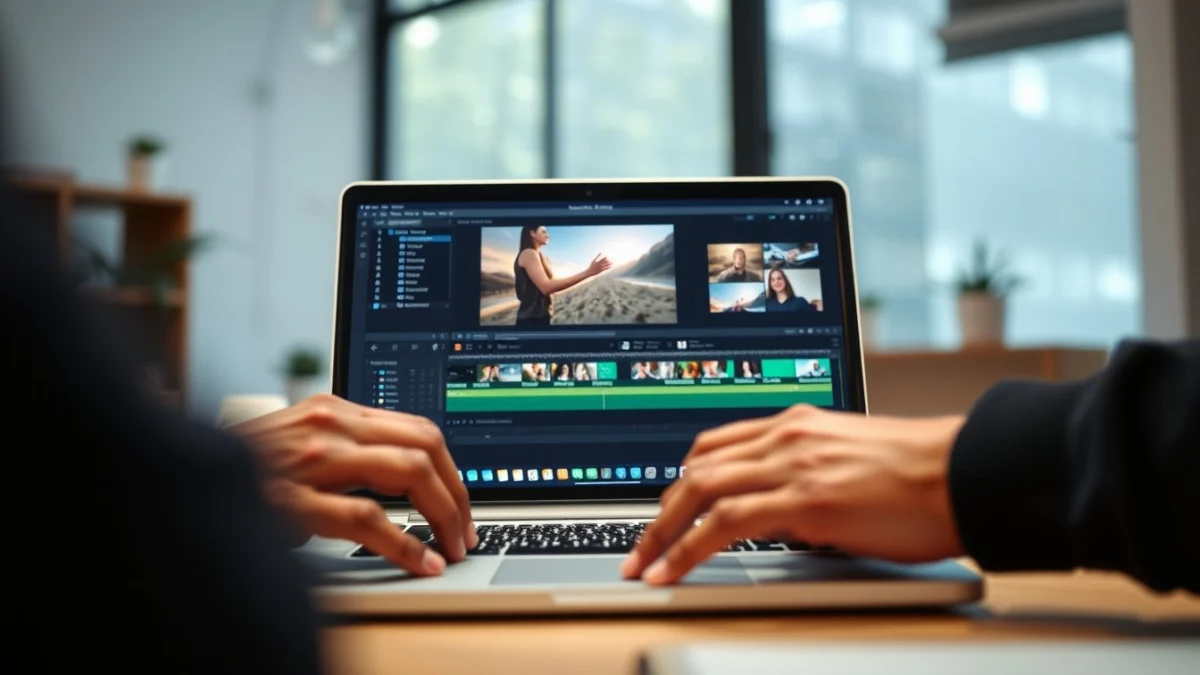
Free graphic design tools usually offer simple drag-and-drop features. This means you can add images, text, shapes, and colours quickly. They also often include templates which save time. You just need to edit the template to fit your needs.
Here are some popular free tools you can use:
- Canva – Very beginner-friendly. Offers many free templates and elements.
- GIMP – A powerful program like Photoshop, good for photo editing and creating detailed graphics.
- Inkscape – Great for vector graphics such as logos and icons.
- Pixlr – An online photo editor with many useful tools.
- Crello – Similar to Canva, easy to create animated and static designs.
To start designing:
- Choose the right tool based on your project.
- Pick a template or start with a blank canvas.
- Add text, images, and shapes. Keep your message clear and simple.
- Use colours that match your brand or purpose.
- Save your work in the correct file format. JPG or PNG is good for images, PDF if you want to print.
Always keep your audience in mind. Design with clear fonts and contrasting colours so your text is easy to read. Less is more – too many details can confuse viewers.
Using free tools means you can practise and improve your skills without pressure. Many websites offer tutorials and guides for beginners. Try creating small projects first, like social media posts or invitations, then move to bigger tasks.
In South Africa, free tools help learners and small businesses create professional designs without paying for expensive software. This levels the playing field for everyone who wants to share ideas visually.
Remember, the key to success is experimenting and learning. Designing Graphics with Free Tools lets you explore your creativity and communicate better. Start today using one of the free tools mentioned above and watch your skills grow.
Live Scenario • Active Situation
You are a junior content creator tasked with designing an urgent promotional poster for a new product launch using free graphic design tools.
There is no single perfect answer. Choose what you would do in this situation.
