
Hands-on Analysis of a Mock Digital Crime Scene
Step-by-Step Guide to Analysing a Mock Digital Crime Scene
Hands-on Analysis of a Mock Digital Crime Scene is an essential part of learning computer forensics. It helps you understand how to collect and examine digital evidence just like a real investigator. This practical exercise gives you experience with tools and techniques needed to solve cybercrimes.
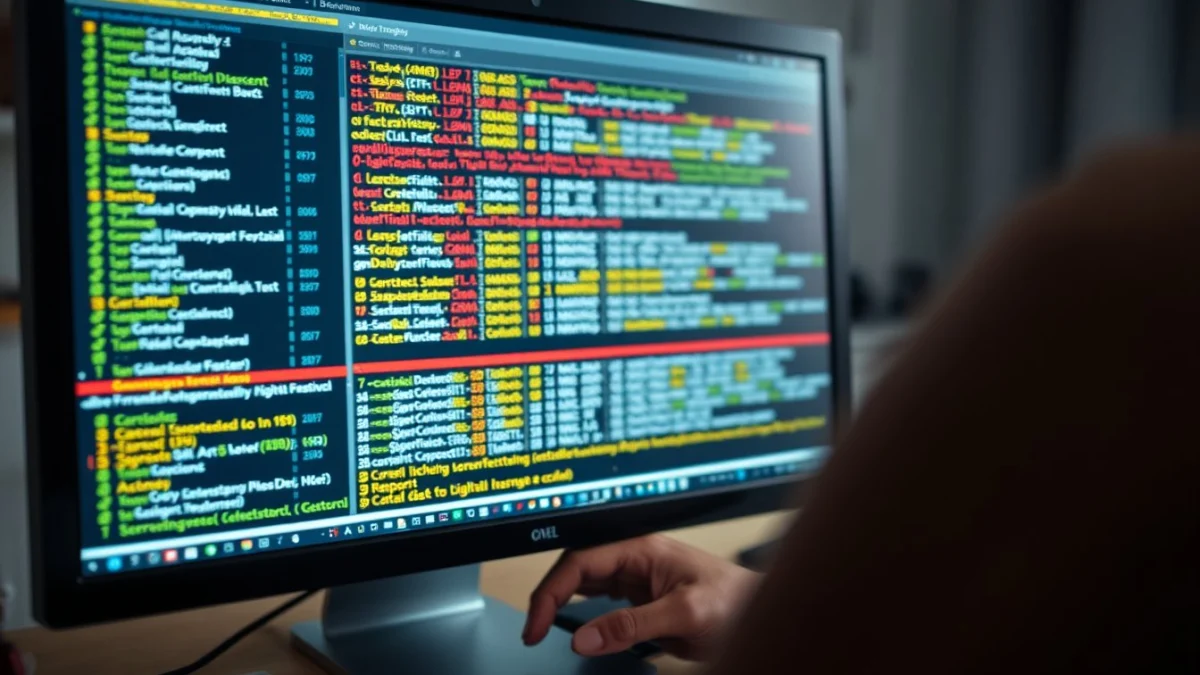
In this lesson, you will work with a simulated digital crime scene. The simulation includes computers, storage devices, and network logs to mimic what happens in real-life cybercrime cases. By examining these digital items, you learn how to find important evidence and build a case.
Why Practice with a Mock Crime Scene?
- It provides a safe environment to make mistakes without legal consequences.
- You get to use real forensic tools in a controlled setting.
- It improves your skills in evidence handling and reporting.
- You learn to follow proper procedures to maintain evidence integrity.
- The experience prepares you for actual forensic investigations.
Before you start, remember the main goals of forensic analysis:
- Identify and preserve digital evidence.
- Analyse data to reconstruct events.
- Document everything clearly and accurately.
During the Hands-on Analysis of a Mock Digital Crime Scene, you will follow these basic stages:
1. Scene Preparation
First, ensure your workspace is clean and free from distractions. Have all necessary tools ready, such as forensic software, write blockers, USB drives, and note-taking materials. Wear gloves to avoid contaminating evidence.
2. Evidence Collection
Start by imaging the storage devices. Creating a bit-for-bit copy ensures that the original data remains untouched. Use a write blocker to connect devices safely. Label each device and image carefully to avoid confusion later.
3. Initial Examination
Load the forensic images into your analysis software. Look for file system information, metadata, and deleted files. Check timestamps and user activity logs that might reveal when and how the crime occurred.
4. Detailed Analysis
Search for suspicious files such as malware, hidden documents, or encrypted data. Examine internet history, emails, and chat logs that could offer more clues. Use keyword searches related to the case to speed up the process.
5. Evidence Documentation
Take detailed notes of everything you find. Record file paths, hash values, timestamps, and any unusual activity. Screenshots and exported reports are helpful when compiling your final report.
6. Reporting
Create a clear and concise report summarising your findings. Include the methods you used, the evidence located, and your interpretation of events. The report must be easy to understand, even for people without technical knowledge.
Hands-on Analysis of a Mock Digital Crime Scene teaches important skills such as attention to detail, critical thinking, and using specialised tools. You learn to work methodically and maintain the chain of custody, which is vital in forensic cases.
By practicing regularly, you become confident in handling real digital investigations. This practical knowledge is valuable for careers in law enforcement, cybersecurity, and IT security roles.
In summary, completing this exercise prepares you to:
- Secure and protect digital evidence.
- Use forensic tools efficiently.
- Interpret digital data correctly.
- Communicate findings clearly in reports.
This experience builds a strong foundation for understanding digital crime scenes and applying forensics in the real world.
Live Scenario • Active Situation
You are a junior digital forensic analyst tasked with analysing a mock digital crime scene during an urgent workplace exercise.
There is no single perfect answer. Choose what you would do in this situation.
